


During the export process or during the process of linking to BIMserver.center in Revit using the Open BIM – Revit Plugin, the following error message may appear:
Could not load file or assembly 'Autodesk.IFC.Export.UI, (…)'. The system cannot find the file specified.
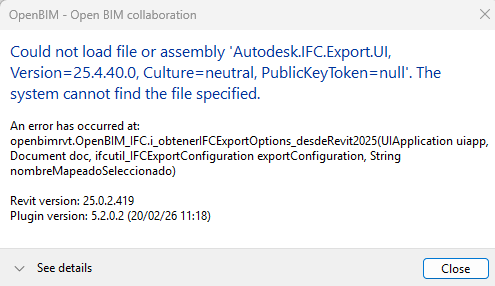
Please note: Sometimes the error message appears in a hidden window. If you notice that the export or link process is taking longer than usual, and that the Open BIM – Revit plugin icon on the bar is flashing orange, you will need to click on it to display this window.
This error is not caused by the plugin, but by the lack of an update to Revit or to Autodesk’s official IFC export extension.
Solution for Revit 2025 and Revit 2026
To resolve this, you need to update both Revit and the IFC extension to their latest versions. Please follow the steps below:
- Revit update:
First, you must verify that the latest available version of Revit is installed. For example, for Revit 2025, the latest available version (as of 9 February 2026) can be viewed here:
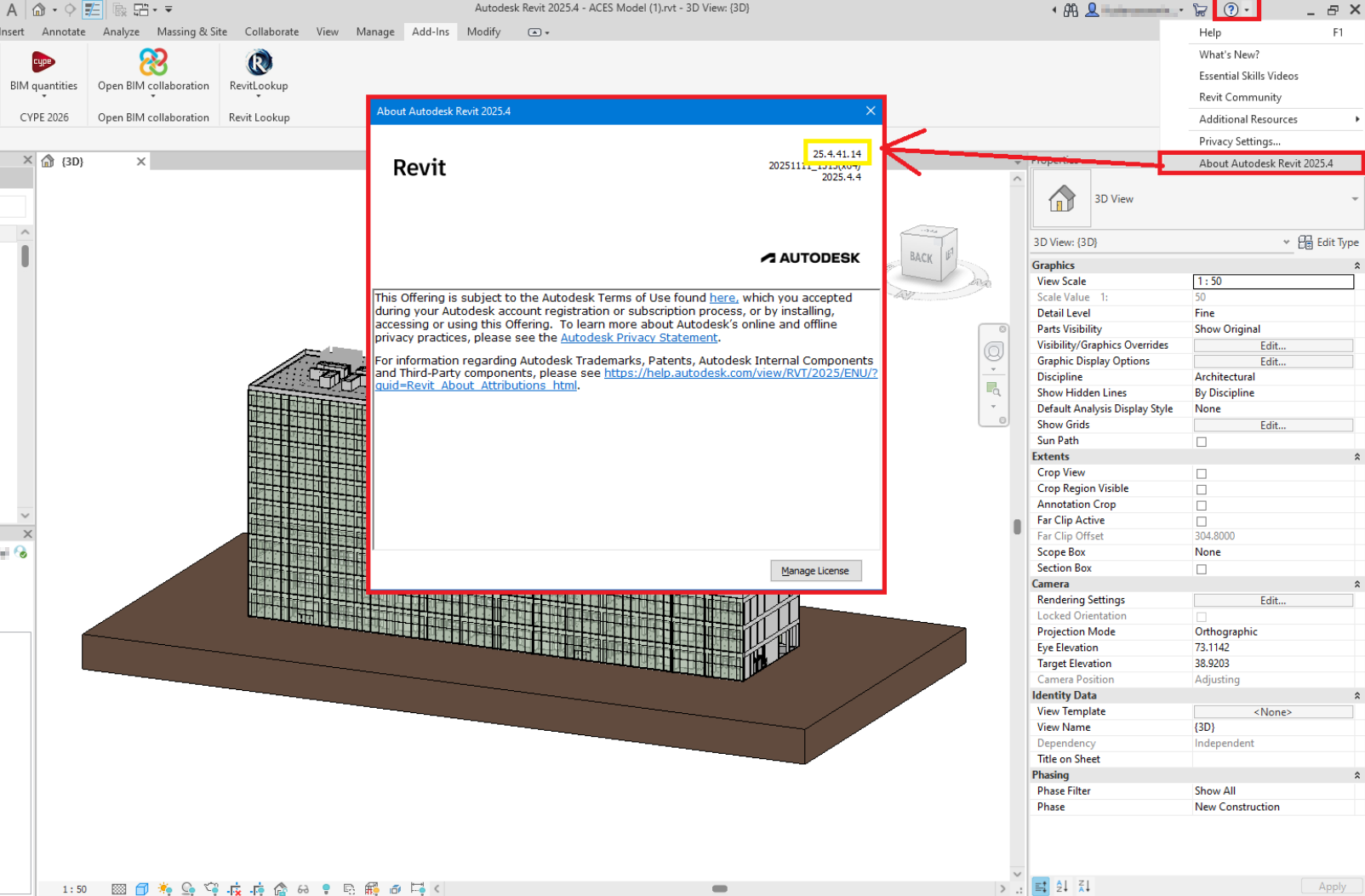
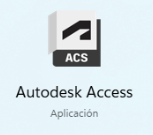
If the version of Revit you have installed is older than the one required, you must manage all updates via the Autodesk Access app, which you will find in the Windows Start menu.
- Updating the Revit IFC export extension:
This Autodesk extension must be downloaded and installed from the official Autodesk website, ensuring that it corresponds to the version of Revit used (2025 in this case):
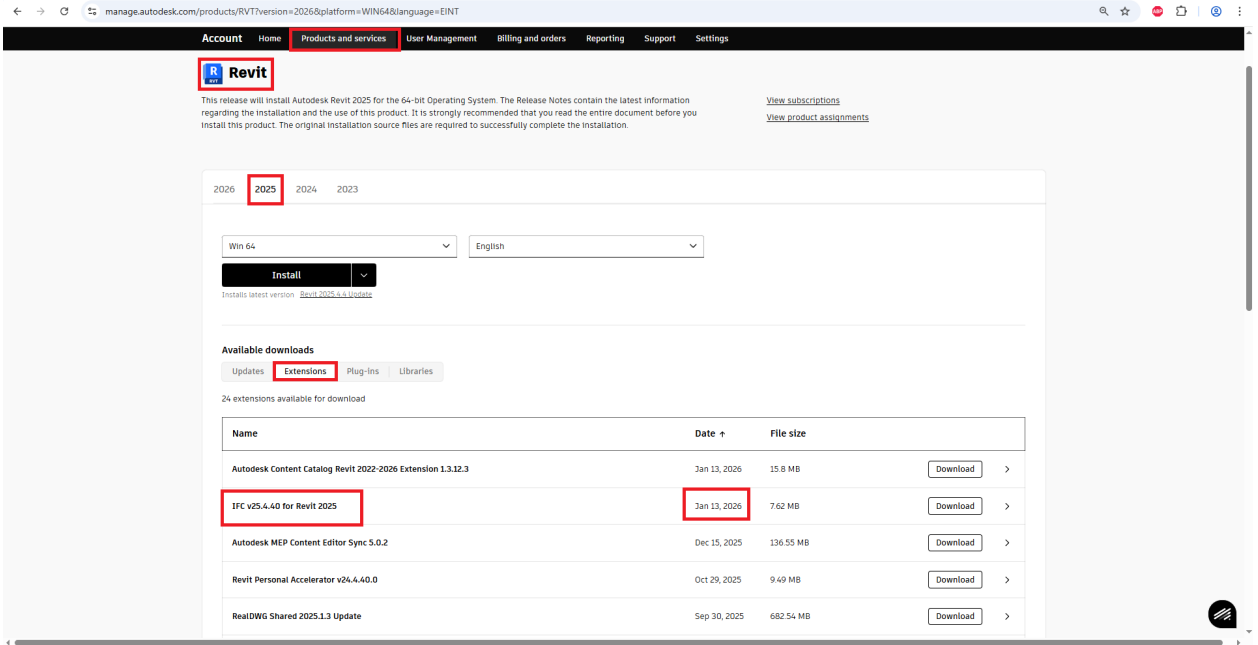
Please note: When updating or installing Revit (either the program itself or its add-ins), Revit must be completely closed. We recommend checking the system's background processes to ensure that no instances of Revit are still running.
Solution for Revit 2027
In Revit 2027, it is recommended that you do not install the Revit IFC export plug-in. In addition, Revit should be kept up to date with the latest available version. At the time this FAQ was published, the version compatible with the latest update of the Open BIM – Revit plug-in is 27.2.0.39.
If the problem persists after following these steps, please contact us at the following technical support addresses, providing the following information:
- Revit file you are trying to export (please attach the file)
- If you are a CYR module user (paid native conversion module) (Yes/No)
- Revit version in which the error occurred
- Confirmation that Revit has been updated (Yes/No)
- Confirmation that the Revit IFC export extension has been updated (Yes/No)
- Version of the plug-in that was being used when the error occurred