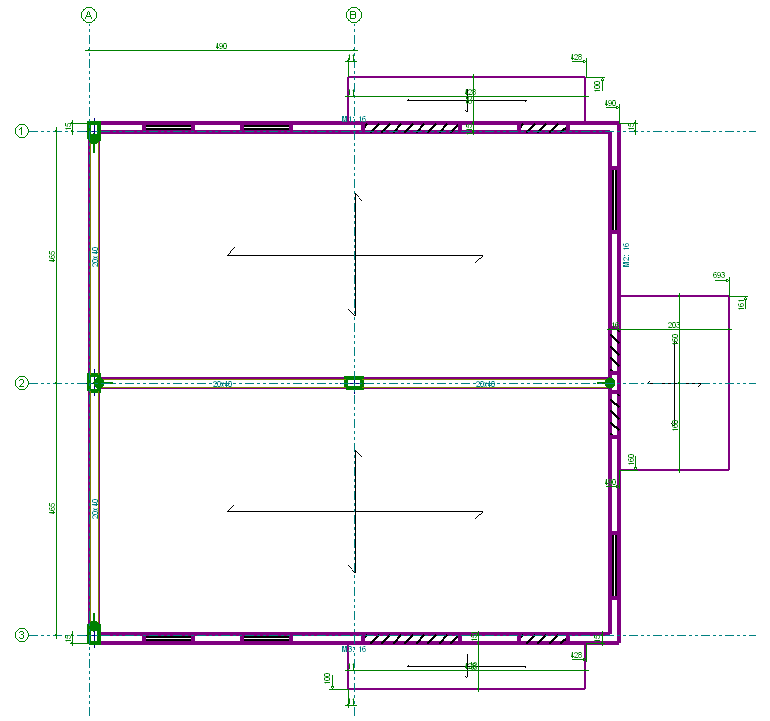


In CYPECAD, users can enter grid lines to dimension all the elements of the job (columns, beams, etc.).
In the "Column Definition" tab, in "Introduction" > "Grid lines", there are options for entering horizontal and vertical lines as axes.
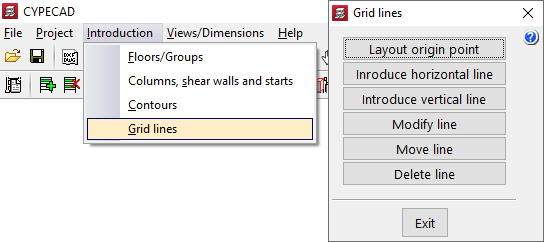
When a grid line is entered as an axis, it is defined with respect to the fixed points of the columns. Its position can be changed with the "Move line" option.
The visibility of the reference lines entered in the different groups of floors can be specified via "Modify line".
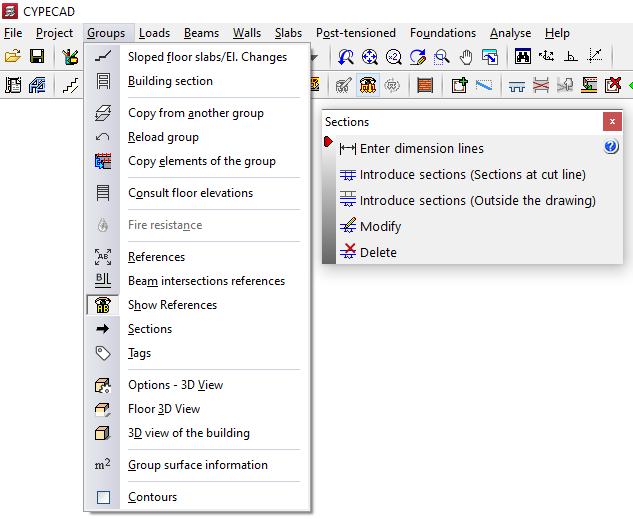
There is also another way of adding dimension lines. In the "Beam Definition" tab, with the "Enter dimension lines" option in the "Groups" > "Sections" menu, you can enter additional dimension lines to those of the "Grid lines", visible directly from the CYPECAD work interface, or use this type of lines to define the dimensions of the structure as a whole.
The dimensions entered in the grid plans generated by the program can also be viewed by accessing "File" > "Plans" and choosing the "Layout plan" type from those available.