


When entering strap or tie beams between footings, the program selects a beam from the predefined table of strap and tie beams, which allows the verification of the minimum forces and constructive arrangements according to the set configuration.
To customise these tables, go to "Project" > "General data", and click on "By position". Then select the "Foundations" tab to edit the reinforcement table "Strap/tie beams".
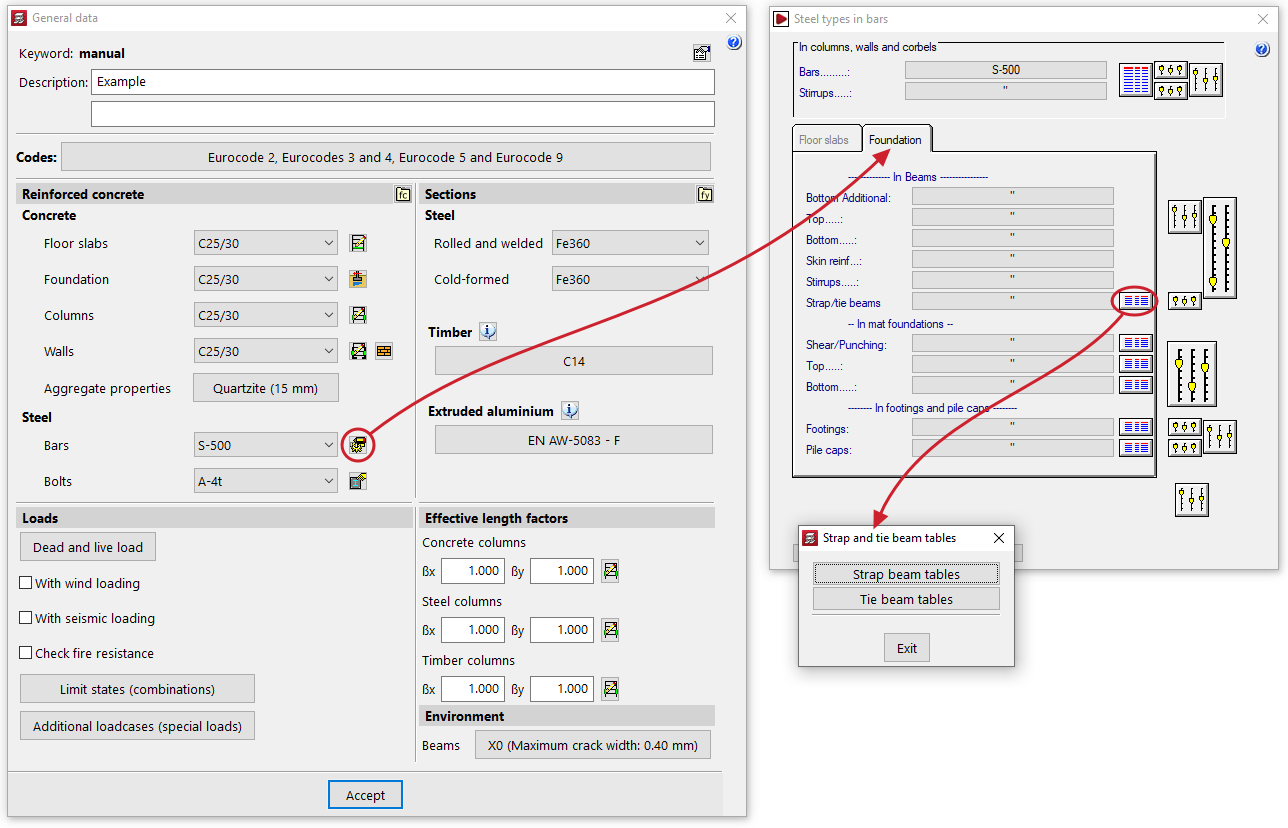
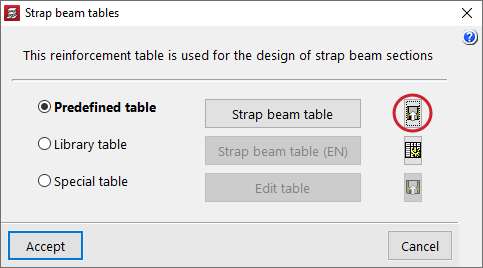
After customising the corresponding table, the predefined table can be exported to the library:
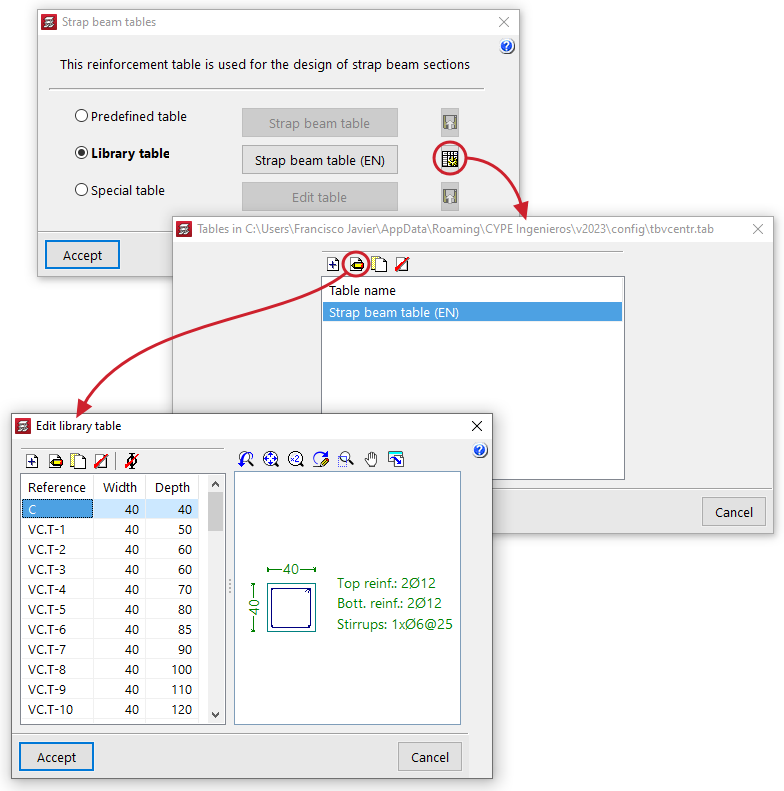
You can then name your customised beam table and select "Library table" and, using the editing tool icons, proceed to add, modify and delete entries in the table according to the default beam types you want to work with in your projects:
Once you have customised the beam table, you can validate the menus, and a window will appear with the following question: Would you like to save the library table selected as the default table?
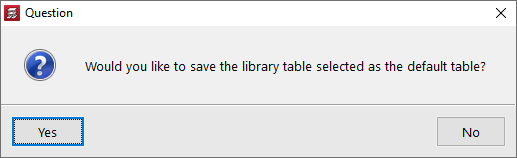
Clicking "Yes" in this dialogue box will result in CYPECAD using this customised beam table by default when creating new projects.