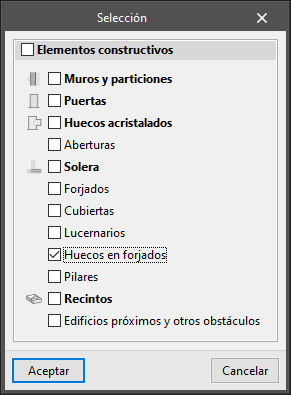


If users have entered openings in floor slabs that are too large, you may want to resize or remove them.
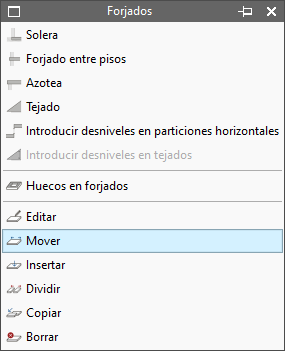
They can be changed by moving the edges or vertices of openings or floor slabs. This can be carried out using the option available under "Building elements" > "Floor slabs" > "Move":
They can be removed by selecting "Edit" > "Delete" and ticking the "Openings in floor slabs" box: