


When linking a contribution in Revit using the Open BIM – Revit Plugin, the following error message may appear:
Importer could not finalize the import process.
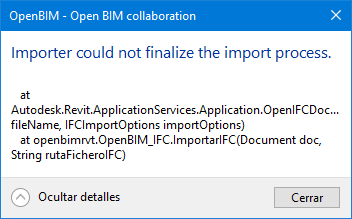
During the linking process, Revit automatically creates an .ifc.rvt file from the first template available in the list of configured project templates.
Specifically, the error occurs when the template "Construction-DefaultGBRENU.rte", located by default in: C:\ProgramData\Autodesk\RVT ####\Templates\English\, is located at the top of that list.
Note: In the above path, replace #### with the product version.
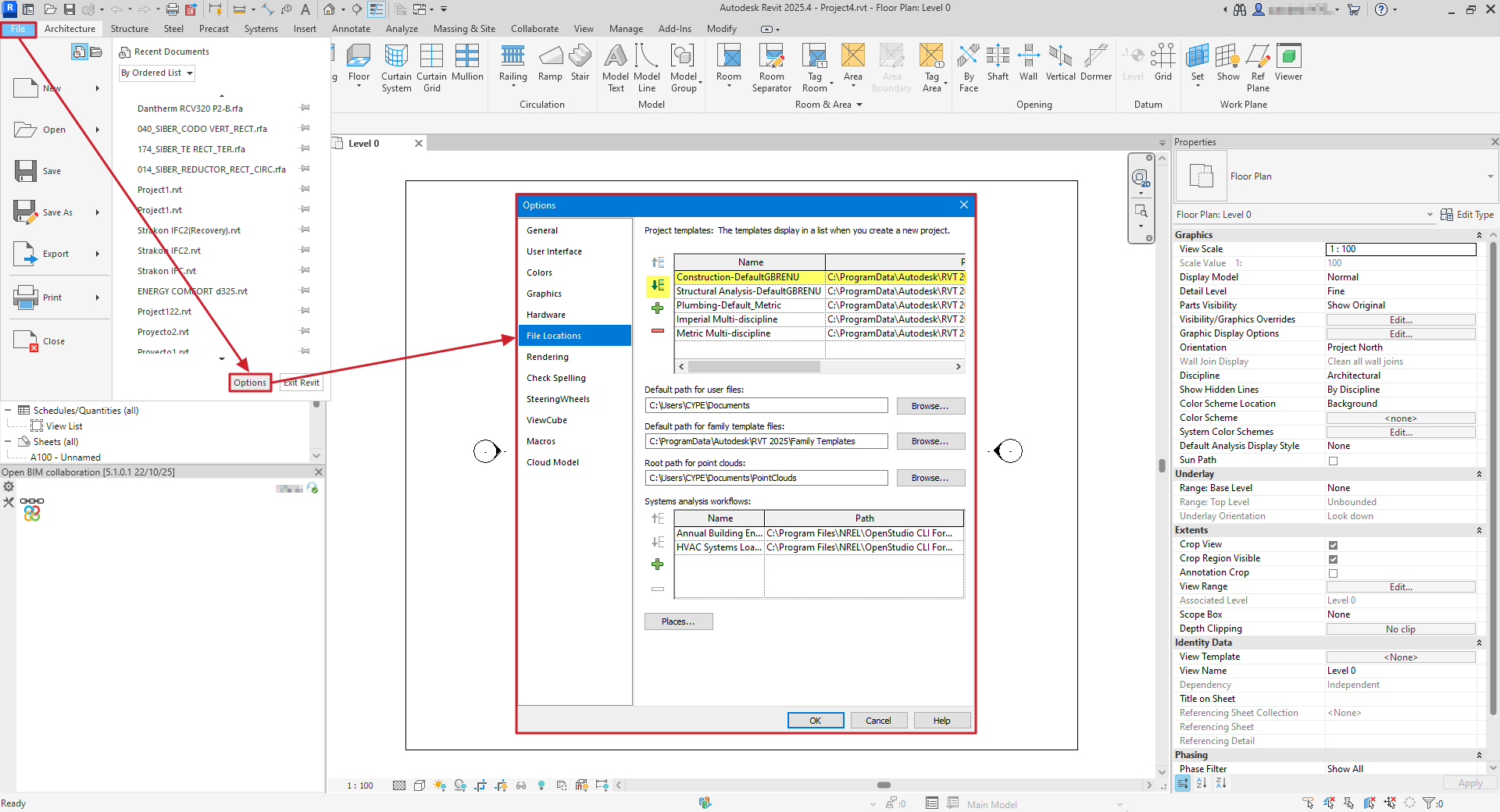
To resolve this, you need to change the order of the templates in Revit:
- In Revit, access the "File".
- Select "Options".
- In the "File locations", locate the list of project templates.
- Place a different template in the first position, for example a structural template.
- Click "Accept" to save the changes.
After making this change, relink the contribution with the Open BIM – Revit Plugin. The import process should complete successfully.