

Versions 2025.d and earlier
When running CYPE, the following warning may be displayed:
The program is already running.
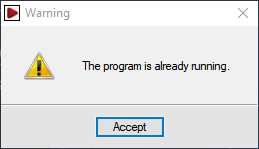
The warning indicates that the program is already open. The CYPE logo is located in the taskbar at the bottom right of the Windows interface, next to the clock and the date. By double-clicking on this icon, the CYPE start menu will open.
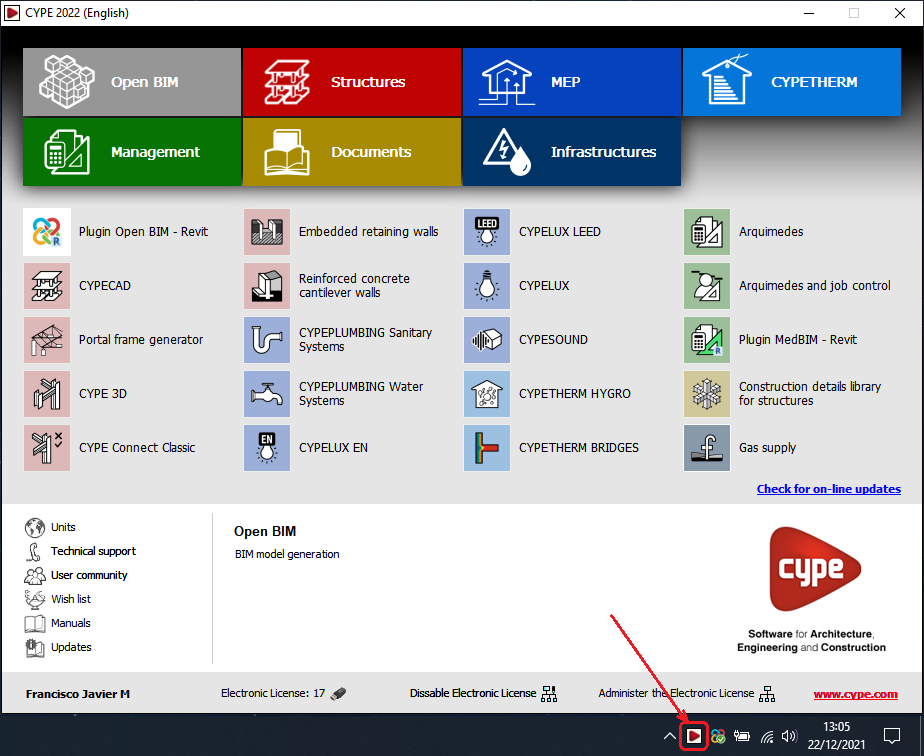
The menu continues to run if the window is minimised. To completely end the execution of the program, the window must be closed instead of minimised.
Versions 2026.a and later
This has changed from version 2026.a onwards. Multiple instances of CYPE Menu can now be run simultaneously.
Each time the program is run, a new CYPE Menu window opens, which is also displayed in the task bar. Two or more icons appear here if multiple instances are active.