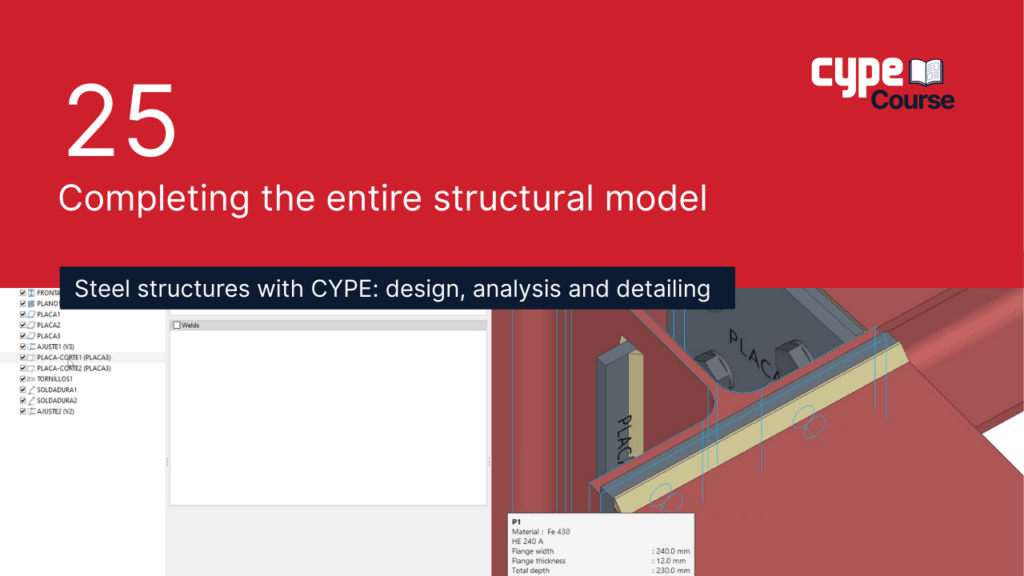
25 - Completing the entire structural model | CYPE Steel Structures Structures / Cype Software Team 25 - Completing the entire structural model | CYPE Steel Structures Read More »
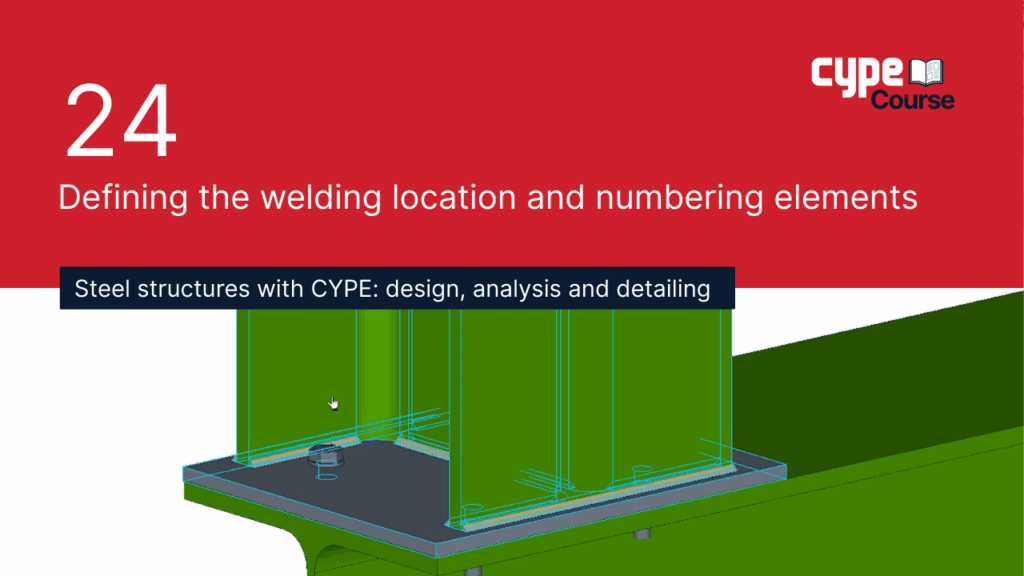
24 - Defining the welding location and numbering elements | CYPE Steel Structures Structures / Cype Software Team 24 - Defining the welding location and numbering elements | CYPE Steel Structures Read More »
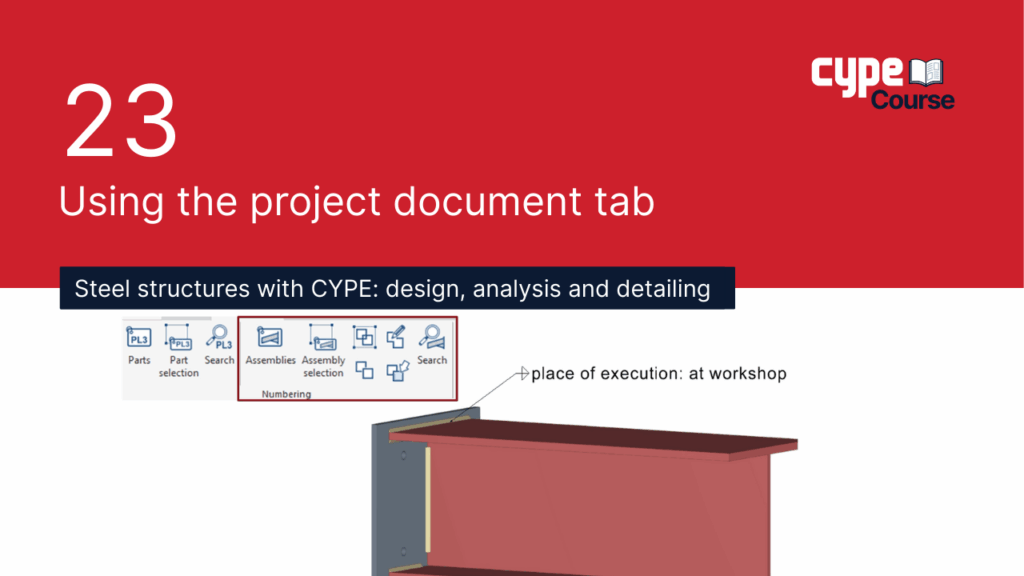
23 - Using the project document tab | CYPE Steel Structures Structures / Cype Software Team 23 - Using the project document tab | CYPE Steel Structures Read More »
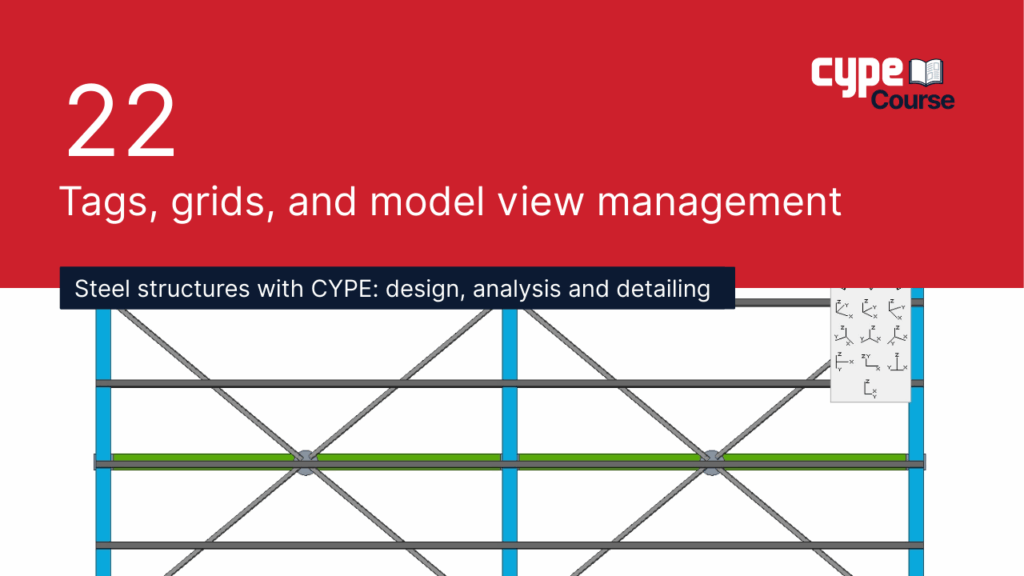
22 - Tags, grids and model view management | CYPE Steel Structures Structures / Axel Romero 22 - Tags, grids and model view management | CYPE Steel Structures Read More »
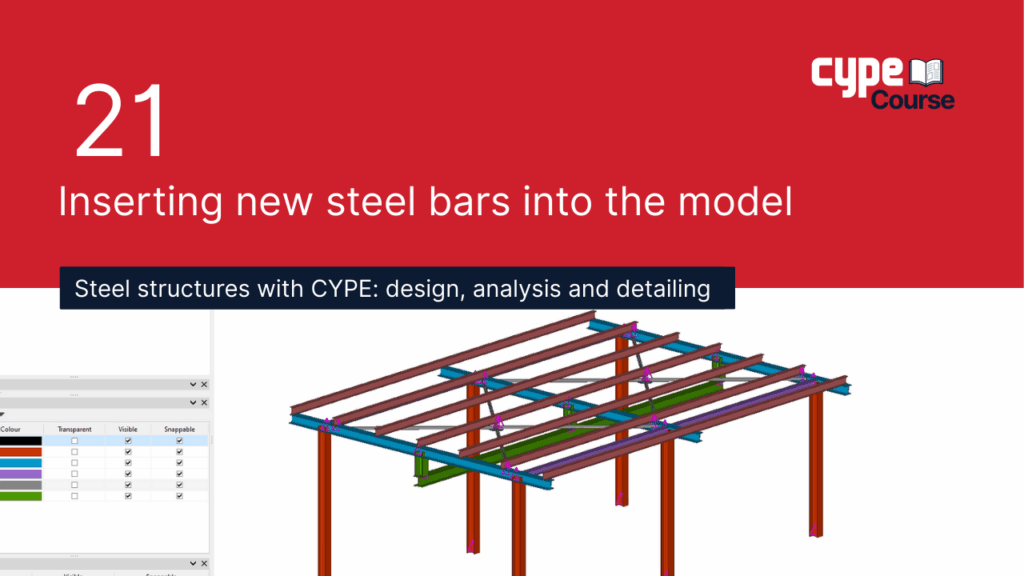
21 - Inserting new steel bars into the model | CYPE Steel Structures Structures / Cype Software Team 21 - Inserting new steel bars into the model | CYPE Steel Structures Read More »
20 - Resolving a connection with an angle section | CYPE Steel Structures Structures / Cype Software Team 20 - Resolving a connection with an angle section | CYPE Steel Structures Read More »
19 - Additional features of CYPE Connect | CYPE Steel Structures Structures / Cype Software Team 19 - Additional features of CYPE Connect | CYPE Steel Structures Read More »
18 - Practical design of two additional connections | CYPE Steel Structures Structures / Cype Software Team 18 - Practical design of two additional connections | CYPE Steel Structures Read More »
17 - Using the connection library | CYPE Steel Structures Structures / Cype Software Team 17 - Using the connection library | CYPE Steel Structures Read More »
16 - Creating connection sheets | CYPE Steel Structures Structures / Cype Software Team 16 - Creating connection sheets | CYPE Steel Structures Read More »