Skip to content
CYPE
Corporative Identity
R&D&I projects
Events
Latest news
Interviews
Blog
Press releases
Solutions
Solutions for professionals
Educational solutions
Solutions for manufacturers
Licenses
CYPE program modules
Implemented codes
Latest new features
Download area
Users' projects
Training
Presentations schedule
Courses
Authorised instructors
Learning resources
Video gallery
Document library
Technical support
Installation guide
FAQ
Contact support
Contact us
How to get in touch with our team
After sales service
Working at CYPE
How to purchase
Online shop
Talk to the sales team
Updates
Maintenance agreements
Dealership network
Price list
CYPE
Corporative Identity
R&D&I projects
Events
Latest news
Interviews
Blog
Press releases
Solutions
Solutions for professionals
Educational solutions
Solutions for manufacturers
Licenses
CYPE program modules
Implemented codes
Latest new features
Download area
Users' projects
Training
Presentations schedule
Courses
Authorised instructors
Learning resources
Video gallery
Document library
Technical support
Installation guide
FAQ
Contact support
Contact us
How to get in touch with our team
After sales service
Working at CYPE
How to purchase
Online shop
Talk to the sales team
Updates
Maintenance agreements
Dealership network
Price list
English
Español
Français
Português (PT)
Português (BR)
English
Español
Français
Português (PT)
Português (BR)
Search ...
Results
Live demo
Online shop
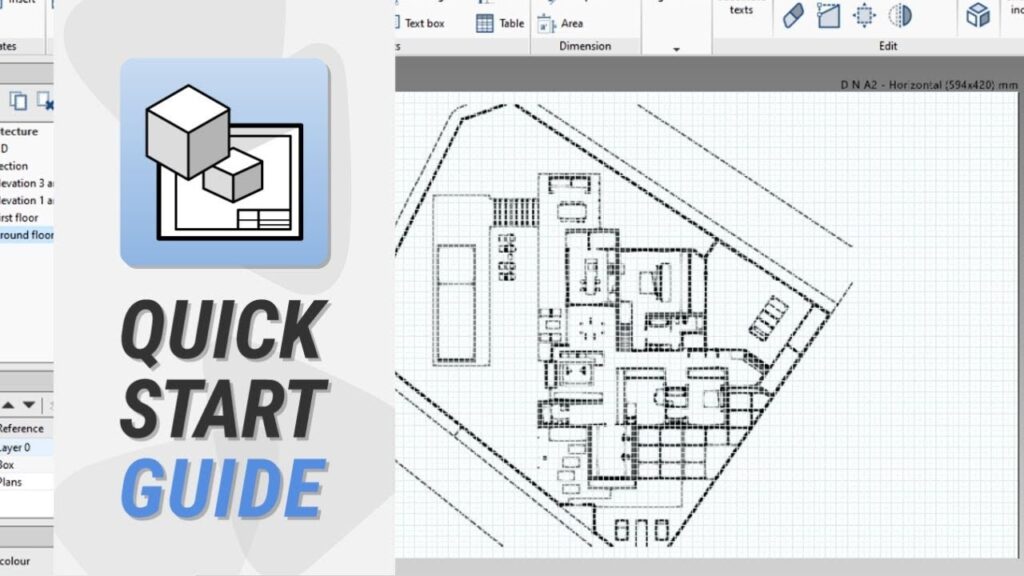
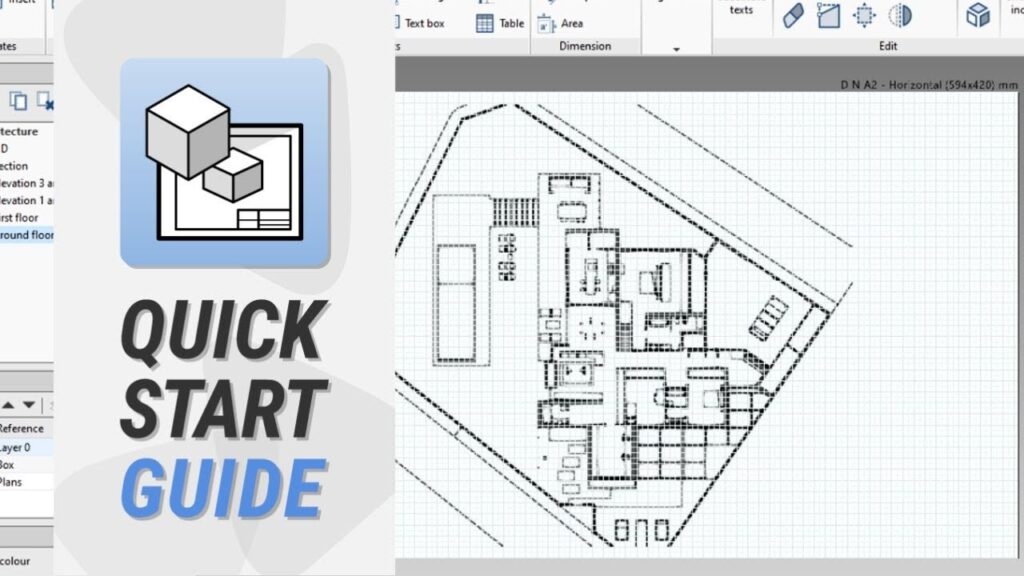
Quickstart guide
Open BIM Layout : création et utilisation de calques
La gestion correcte des calques dans Open BIM Layout simplifie le dessin des plans du projet.
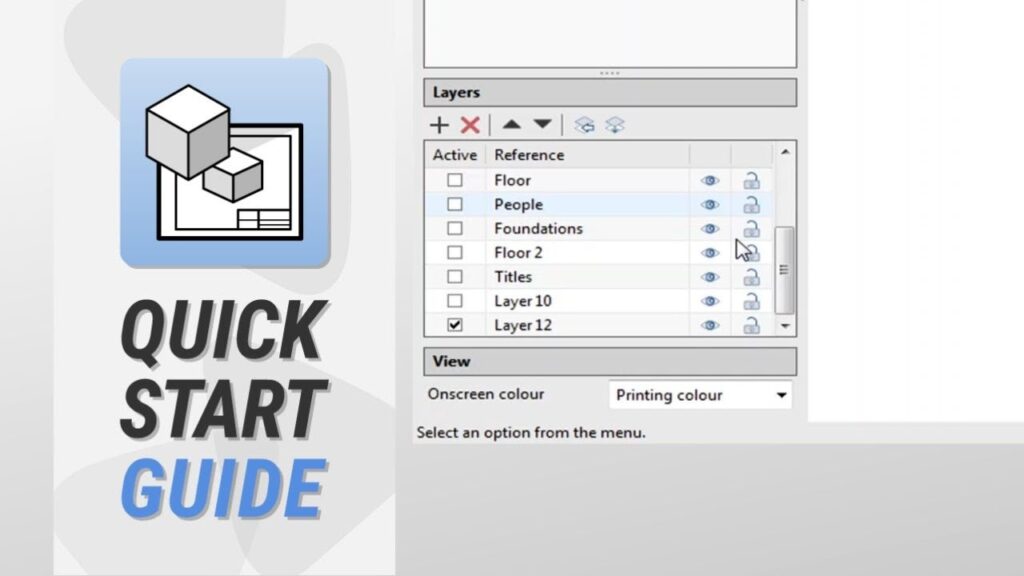
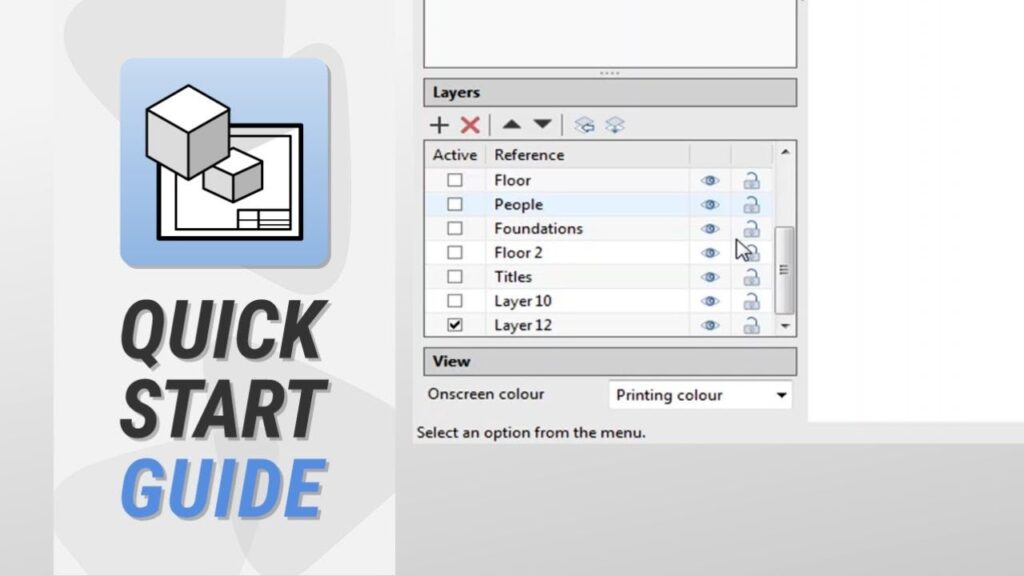
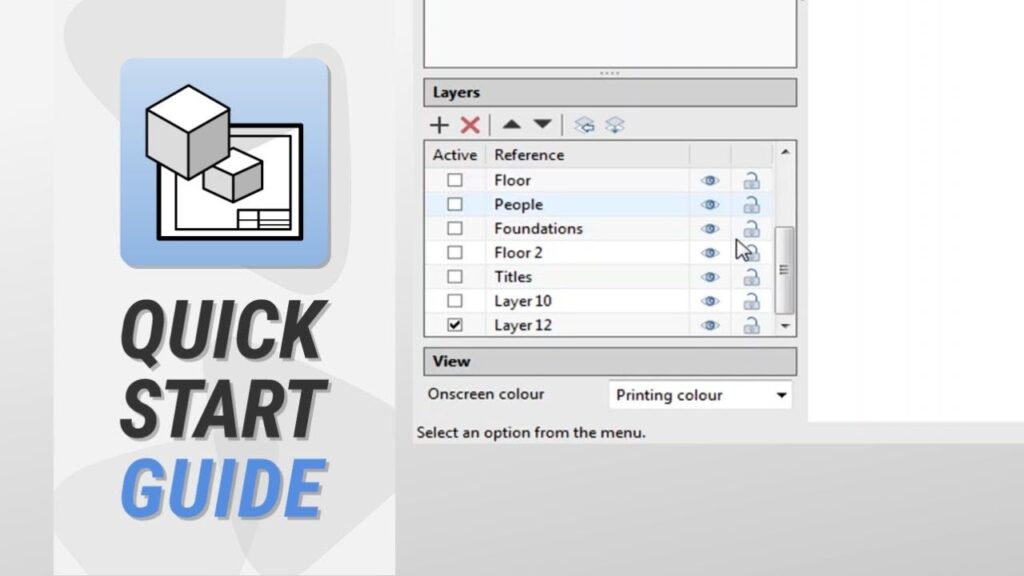
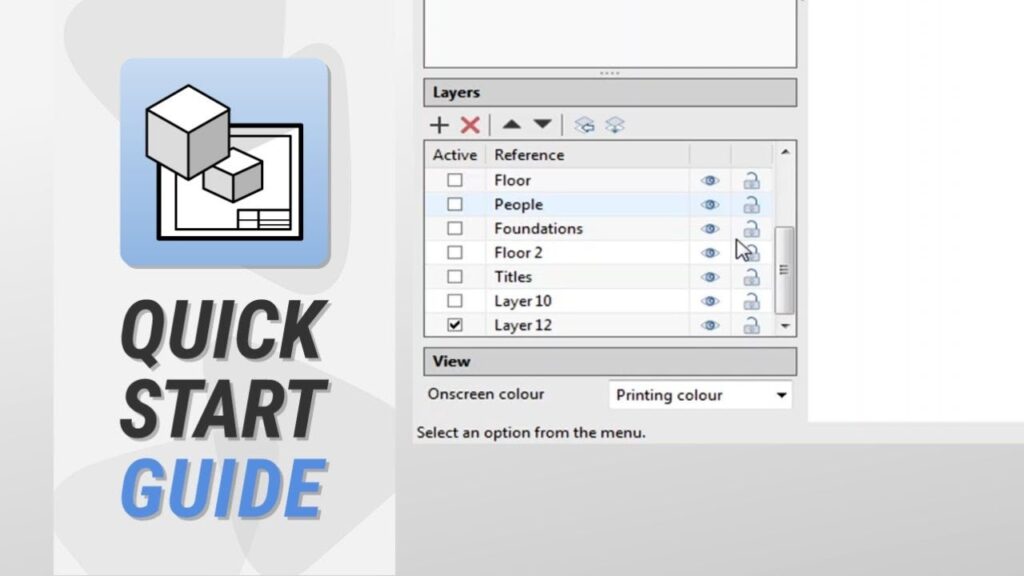
Open BIM Layout: creating and utilising layers
Proper management of layers in Open BIM Layout simplifies the composition of project drawings.
Open BIM Layout: creación y utilización de capas
La correcta gestión de las capas en Open BIM Layout simplifica la composición de los planos del proyecto.
Open BIM Layout: Creazione ed utilizzo dei layer
La corretta gestione dei layer in Open BIM Layout semplifica la composizione degli elaborati del progetto.
Open BIM Layout: creazione ed utilizzo delle tavole
Creare le tavole stabilendone tutti i parametri è fondamentale per una corretta definizione degli elaborati del prodetto.
Open BIM Layout: criação e utilização de pranchas
A criação das pranchas estabelecendo todos os parâmetros condicionantes é essencial para a definição correta dos desenhos do projeto.
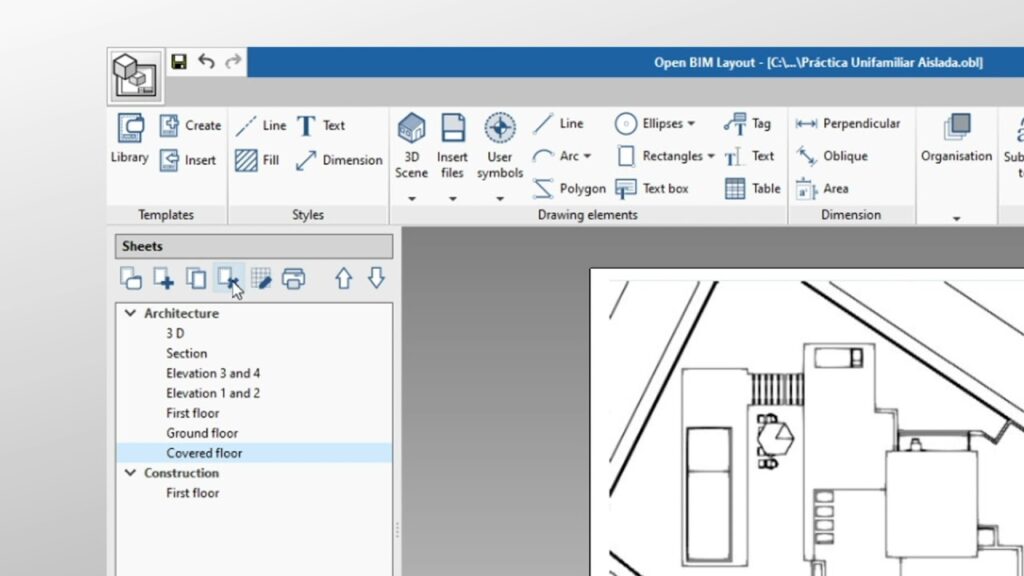
Open BIM Layout: creating and utilising sheets
When creating sheets, it is essential to establish all conditioning parameters in order to correctly define the project drawings.
Open BIM Layout: criação e utilização de folhas de desenho
A criação das folhas de desenho estabelecendo todos os parâmetros condicionantes é essencial para a definição correta das peças desenhadas do projeto.
Open BIM Layout : création et utilisation des feuilles
Créer les feuilles en établissant tous les paramètres de conditionnement est essentiel pour la correcte définition des plans du projet.
Open BIM Layout: creación y utilización de láminas
Crear las láminas estableciendo todos los parámetros condicionantes es fundamental para la correcta definición de los planos del proyecto.