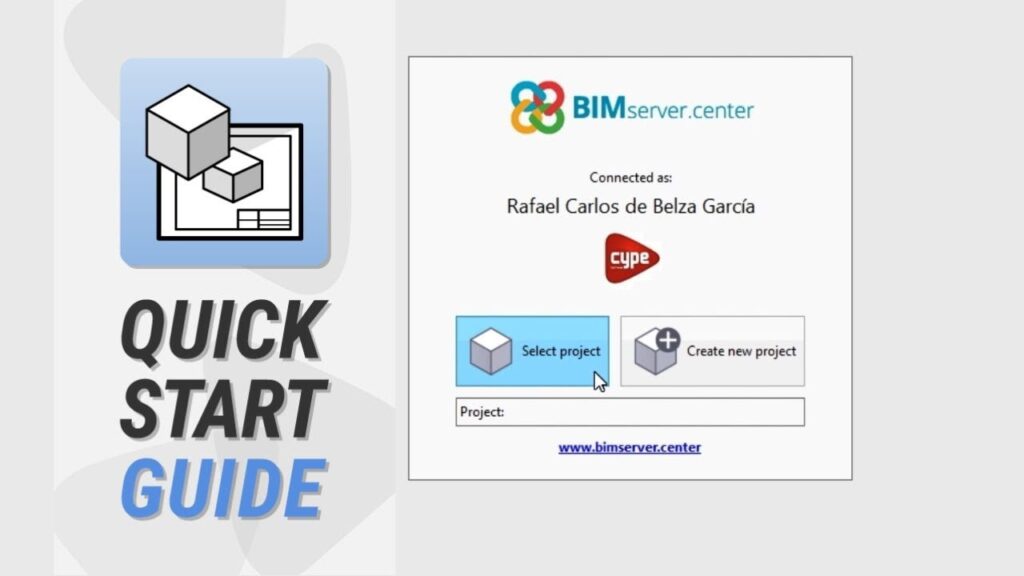
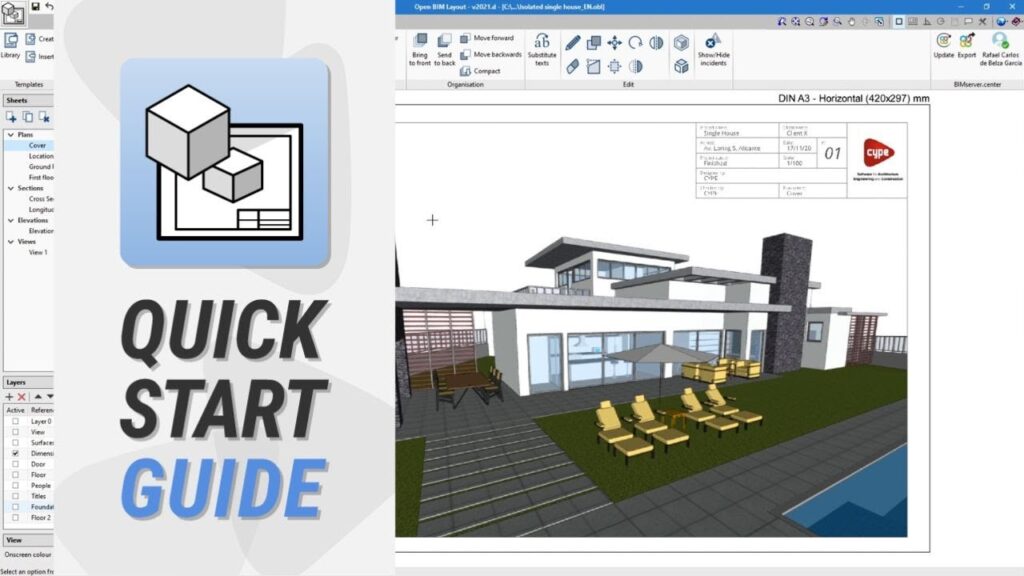
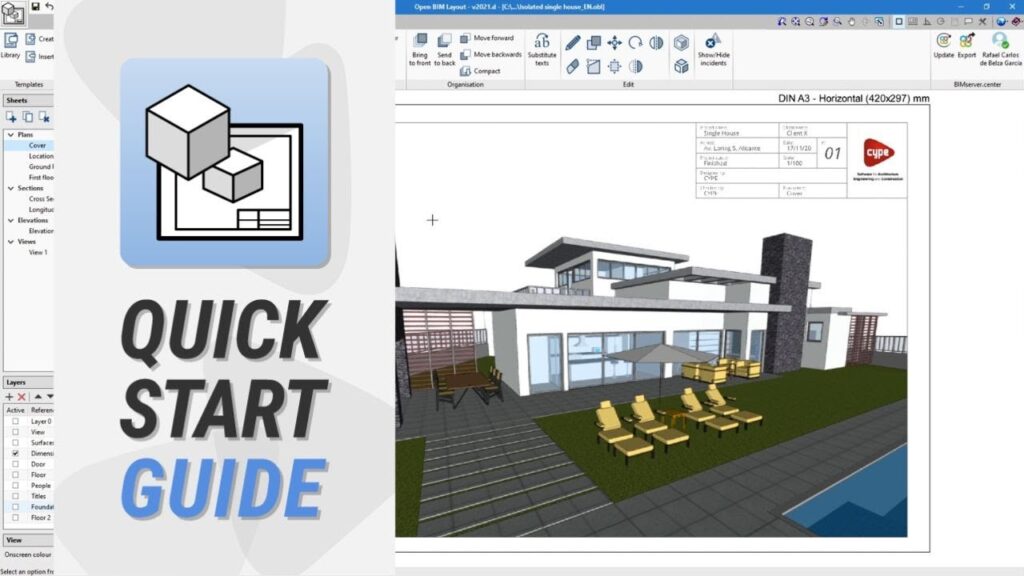
Una nueva obra en Open BIM Layout, vinculada a un proyecto BIM a través de BIMserver.center, permite componer las láminas de cualquiera de sus disciplinas.
Um novo projeto em Open BIM Layout, a conexão a um projeto BIM através do BIMserver.center, permite compor as pranchas de qualquer uma de suas disciplinas.
Descubra o Open BIM Layout, a nova aplicação para a composição de desenhos com vistas e cortes criados a partir de modelos BIM de projetos alojados no BIMserver.center.
Discover Open BIM Layout, the new program designed to compose drawings with views and sections created using BIM models from projects stored on BIMserver.center.
Descubra o Open BIM Layout, a nova aplicação para a composição de desenhos com vistas e cortes criados a partir de modelos BIM de projetos alojados no BIMserver.center.
Découvrez Open BIM Layout, le nouveau logiciel pour dessiner des plans avec des vues et des coupes, créées à partir de modèles BIM des projets hébergés sur BIMserver.center