


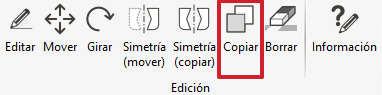
To copy a building in the project, go to the "Edit" tab and select "Copy".
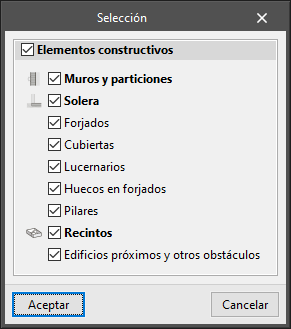
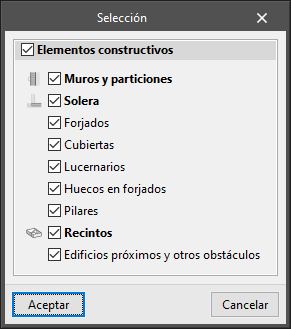
The elements to be copied can be chosen in the "Selection" window.
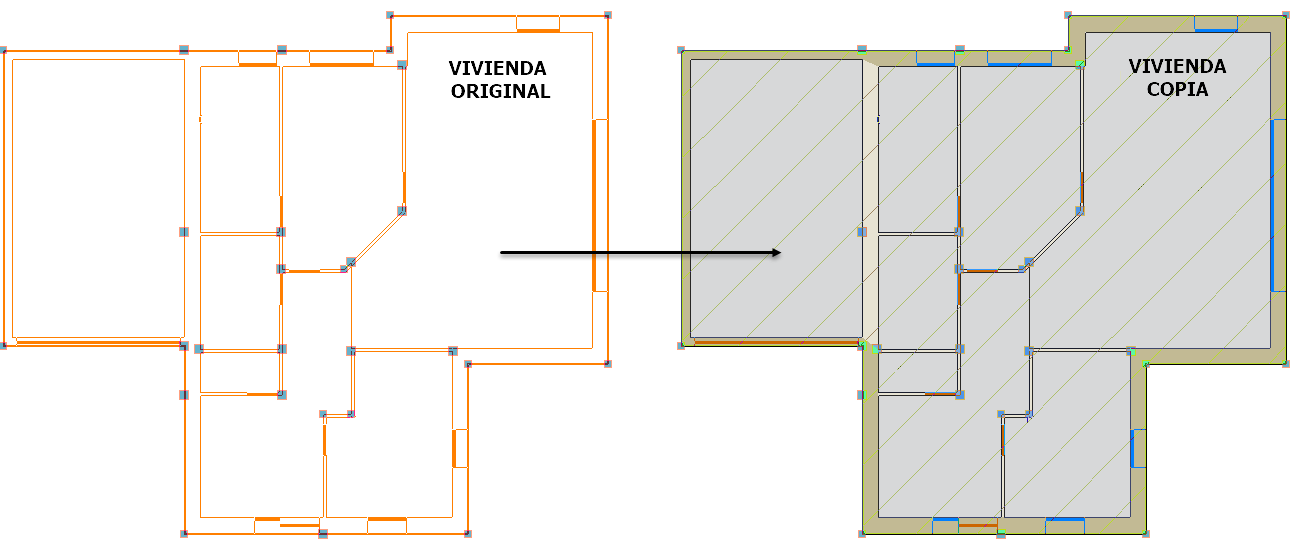
Then, select the dwelling and move its copy to the location in the project where it is to be placed.
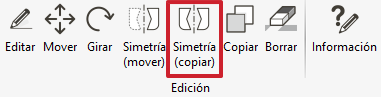
Symmetries can be created by accessing the "Edit" menu > "Symmetry (copy)".
Again, the elements to be copied can be chosen in the "Selection" window.
Select the dwelling and the two points that will form the line of symmetry.
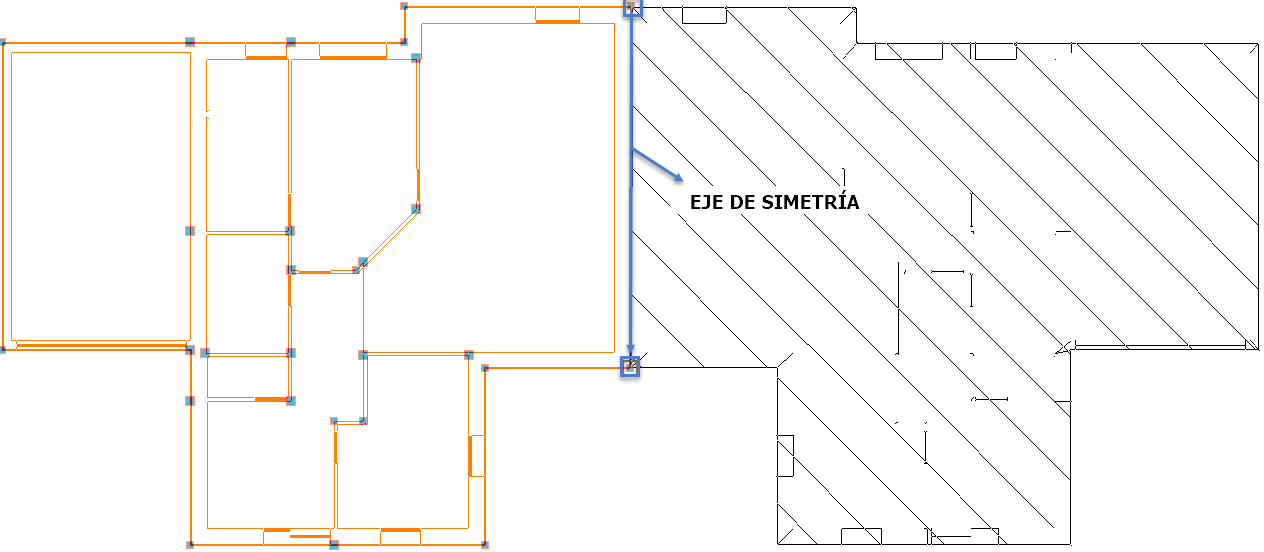
This way, the symmetry of the dwelling will be obtained.

However, the following error will appear: "Two vertical elements overlap at this point. The layout of these elements must be changed to be able to calculate the job".
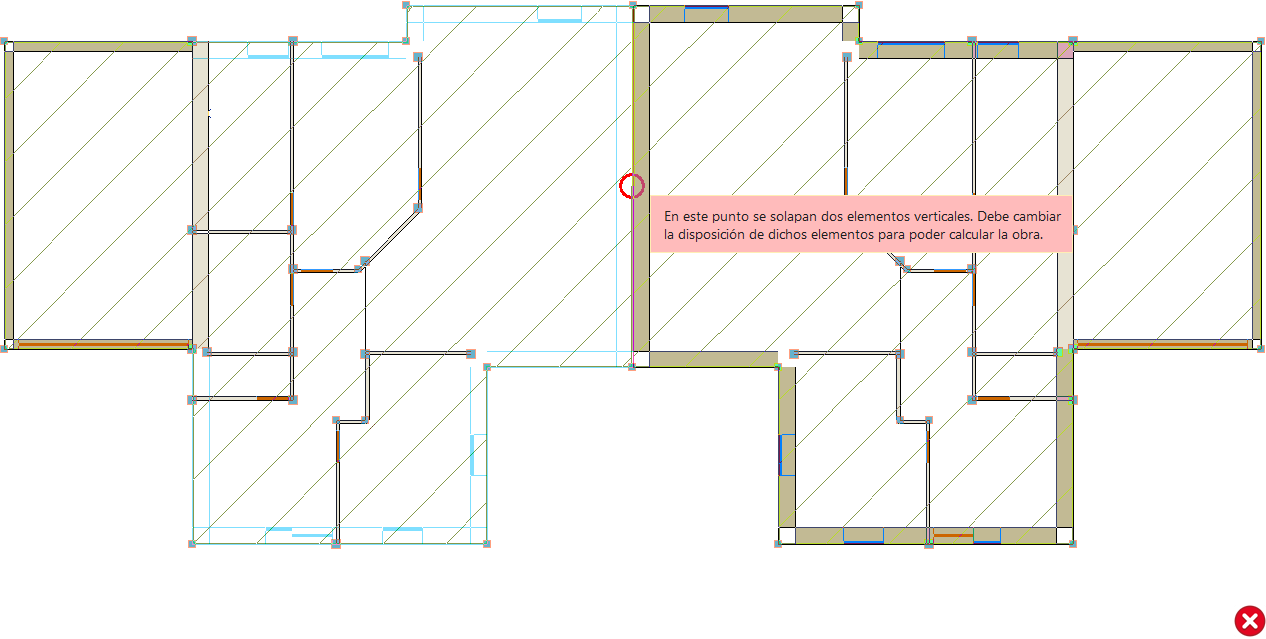
To modify the double wall to a single wall, choose a dwelling and then divide the wall as explained in the following section of the article How to correct the error: "You cannot have enclosures on both sides of a façade enclosure".
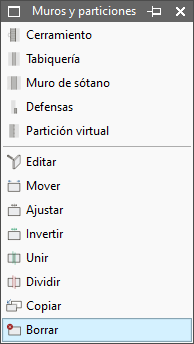
It can then be removed in "Building elements" > "Walls and partitions" > "Delete" and the house will have only one wall.
A new error will appear in the project: “Spaces cannot be placed on both sides of an external wall”.
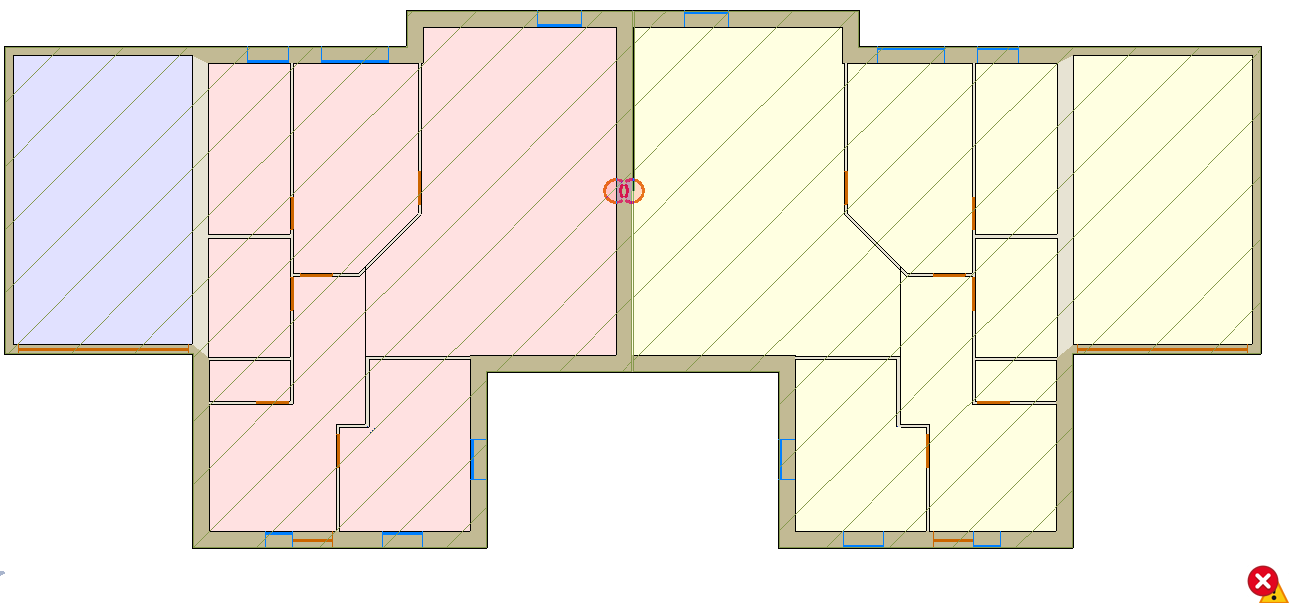
This can be solved via another section of the article How to correct the error: "You cannot have enclosures on both sides of a façade enclosure".